Product:
Annoatation list
Annoations can be viewed as a list in this UI component
View annotations as list in Xamarin.Android
This tutorial only applies to Xamarin.Android. See Xamarin.iOS equivalent here .
The AnnotationDialogFragment displays a list of all annotations in a document being viewed by a PDFViewCtrl. The list also contains any comments that have been added to the annotations.
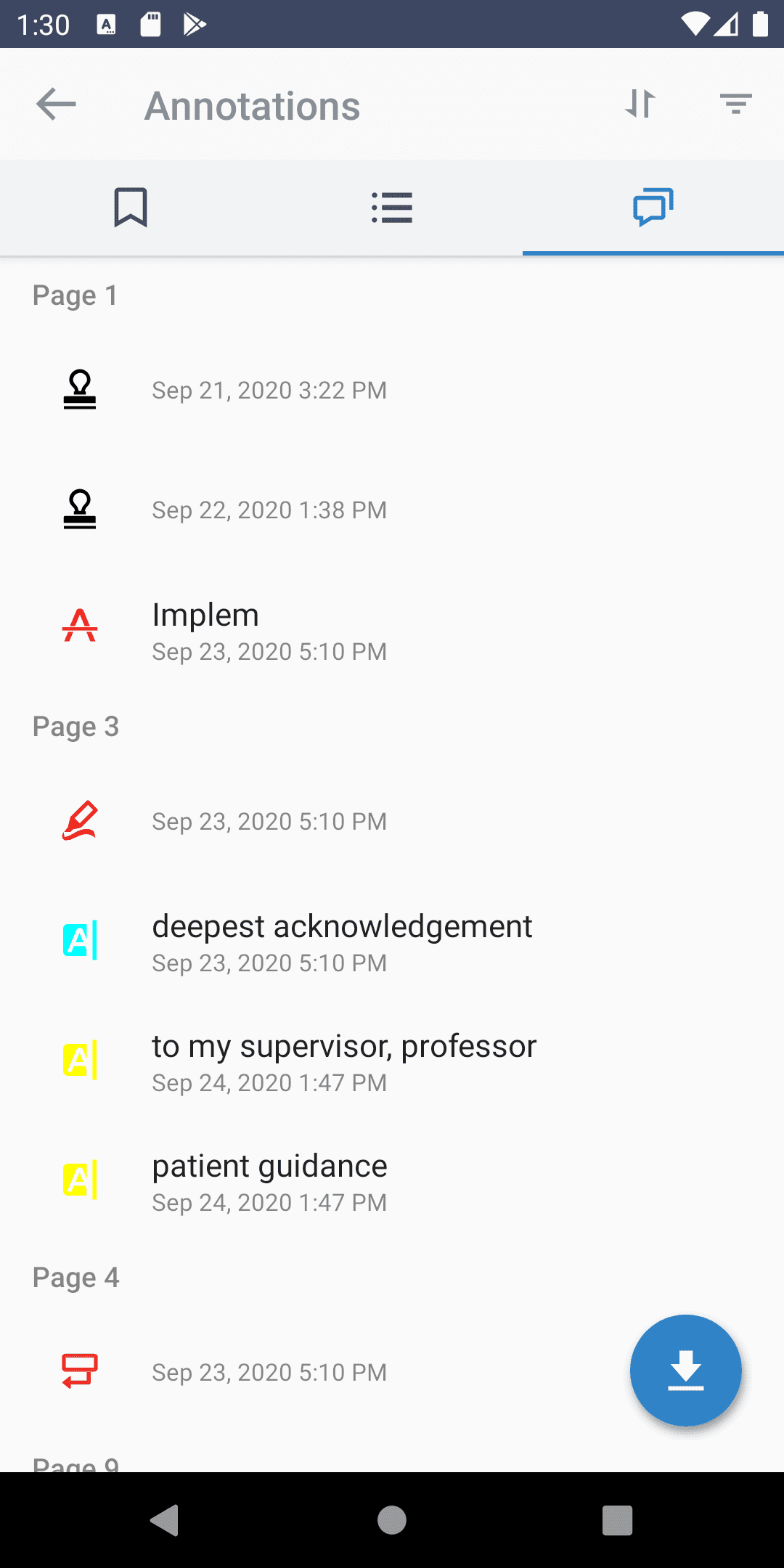
Show annotation dialog
To show an annotation dialog fragment in your activity, create a new instance of AnnotationDialogFragment by calling newInstance() and setting the PDFViewCtrl:
C#
Listener
By calling setAnnotationDialogListener(AnnotationDialogListener), you can set a listener to be notified when an annotation item is clicked, or when document annotations are exported to a PDF doc when users click on the export floating action button.
Read-only
If the document has write access, users can delete existing annotations by long-pressing on the annotation. To specify whether the document is read-only call setReadOnly(boolean).
View annotations as list in Xamarin.iOS
This tutorial only applies to Xamarin.iOS. See Xamarin.Android equivalent here .
The PTAnnotationViewController class shows a list of all annotations in a document being viewed by a PTPDFViewCtrl. The list contains any comments that have been added to the annotations.
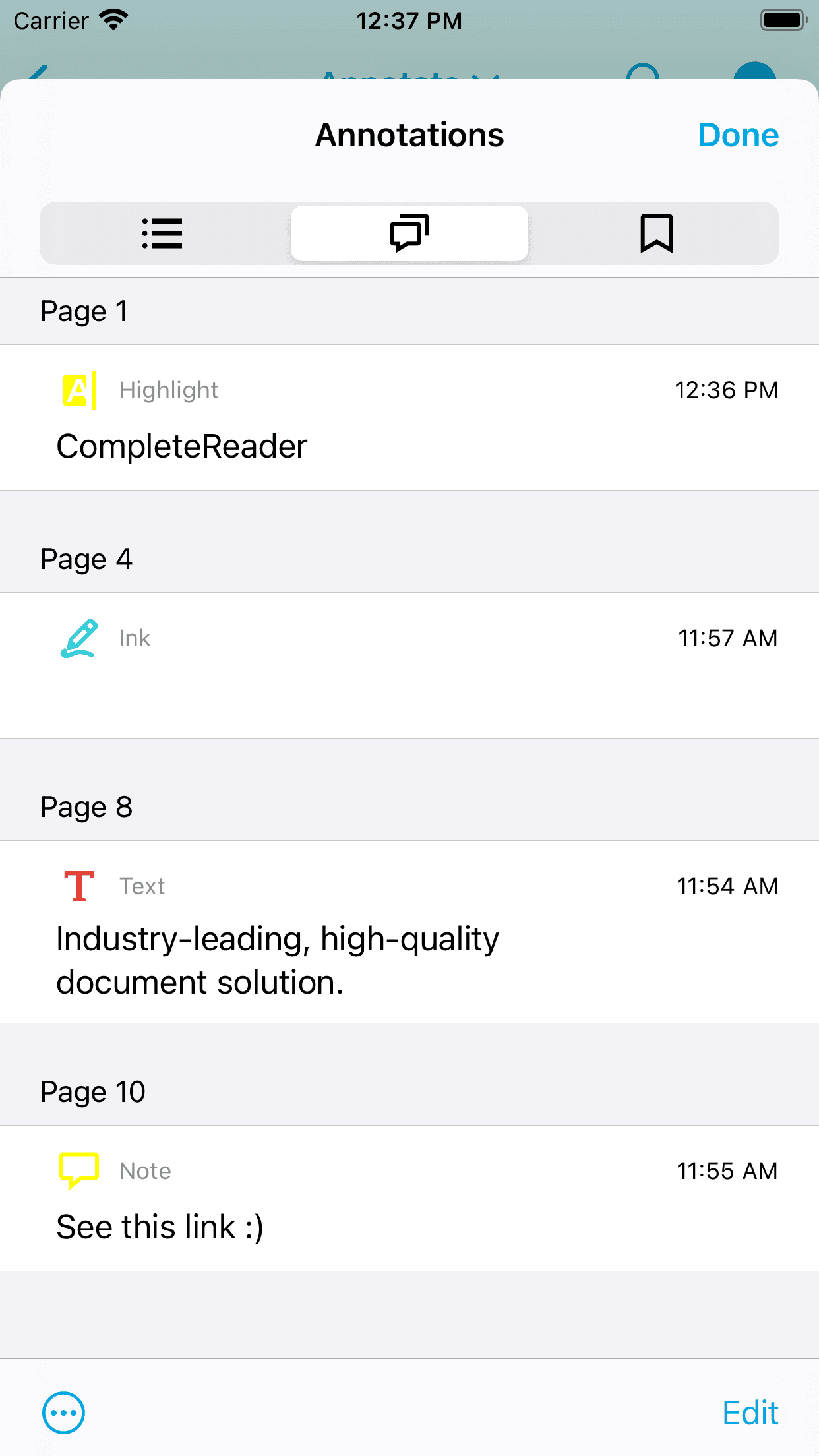
The annotations list control is part of the Tools library, so make sure you have added the Tools library to your project.
Show an annotation view controller
To create a new annotation view controller instance and display it from another view controller, supply a PTPDFViewCtrl instance to the PTAnnotationViewController designated initializer:
C#
The annotation view controller must be pushed onto a navigation controller's stack before being shown.
Presenting on iPads:
The annotation view controller is designed to be presented in a popover on iPads. To do so, you must provide the PTAnnotationViewController's PopoverPresentationController with either:
- a
SourceRectAND - a
SourceView
OR
as in the example above.
You can set a delegate to be notified by the annotation view controller when annotations are selected with the PTAnnotationViewControllerDelegate protocol. (See the CompleteReader sample for usage of the PTAnnotationViewController.)
Did you find this helpful?
Trial setup questions?
Ask experts on DiscordNeed other help?
Contact SupportPricing or product questions?
Contact Sales